MotionGen AI
Script in, finished video out, with a scene review step before the final stitch.
- Role
- Solo — architecture, pipeline, rendering
- Status
- FinishedNot hosted
- Depends on
Why it exists
Making one video by hand took about a day of sourcing footage and several more hours of cutting, timing and motion work. MotionGen AI automates the span between a finished script and a finished render.
How it is put together
- 01
Script & storyboard
Understanding the input
- Scene and beat segmentation
- Visual intent per beat
- Narration text per scene
- 02
Asset assembly
Voice and footage
- Voiceover generation
- Timing alignment against the generated audio
- Footage and stills requested from Source IT
- Attribution metadata carried through with each clip
- 03
Scene render
Motion Graphics API
- Each scene rendered as an independent unit
- Motion graphics, transitions, camera movement
- Scene-level regeneration on review
- 04
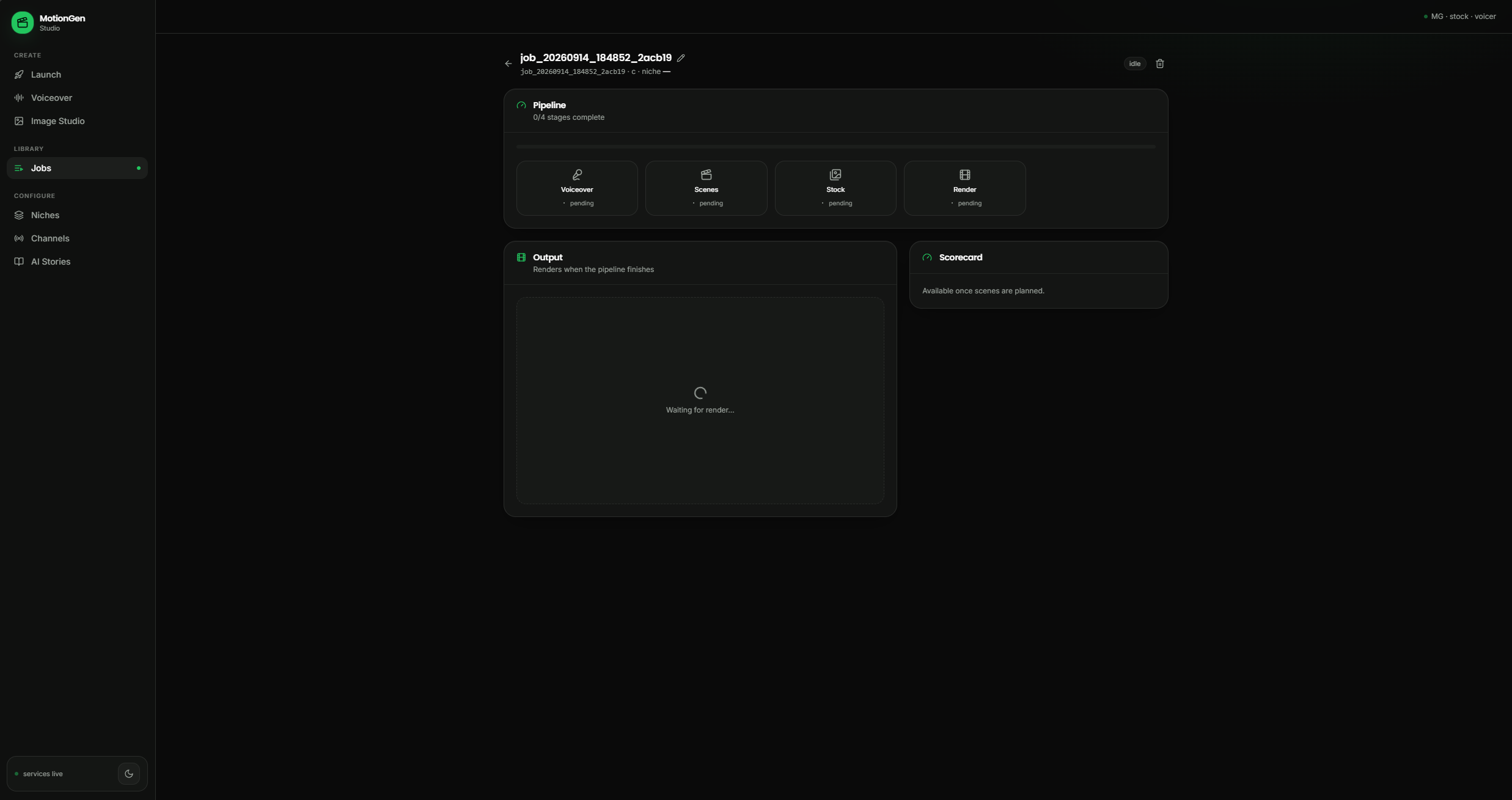
Review & final stitch
The human step
- I watch the rendered scenes
- Regenerate individual scenes without disturbing the rest
- Stitch and export once the set is approved
Trade-offs
Render every scene as an independent unit
Instead of Render the whole video as one continuous timeline
A scene that comes out wrong is regenerated on its own instead of forcing a full re-render. The cost is a stitch stage that has to hold continuity across separately rendered scenes, plus storage for every intermediate scene file.
Keep a human review gate before the final stitch
Instead of Run unattended end to end, the way Documentary Studio does
A bad scene is caught before the video is published. The cost is that the pipeline stops and waits on me, so throughput is capped by how fast I can watch scenes.
Call Source IT for footage instead of sourcing inside this pipeline
Instead of Keep acquisition logic in MotionGen AI
Acquisition is maintained in one place and Documentary Studio reuses it. The cost is a network dependency: when Source IT is rate-limited or down, MotionGen AI stalls.
Limits and how they are handled
- Scene and shot timings cannot be fixed before the narration audio exists.
- The voiceover is generated first and every timing is aligned to that audio.
What it looks like
Sample output: history documentary Sample output: gardening explainer
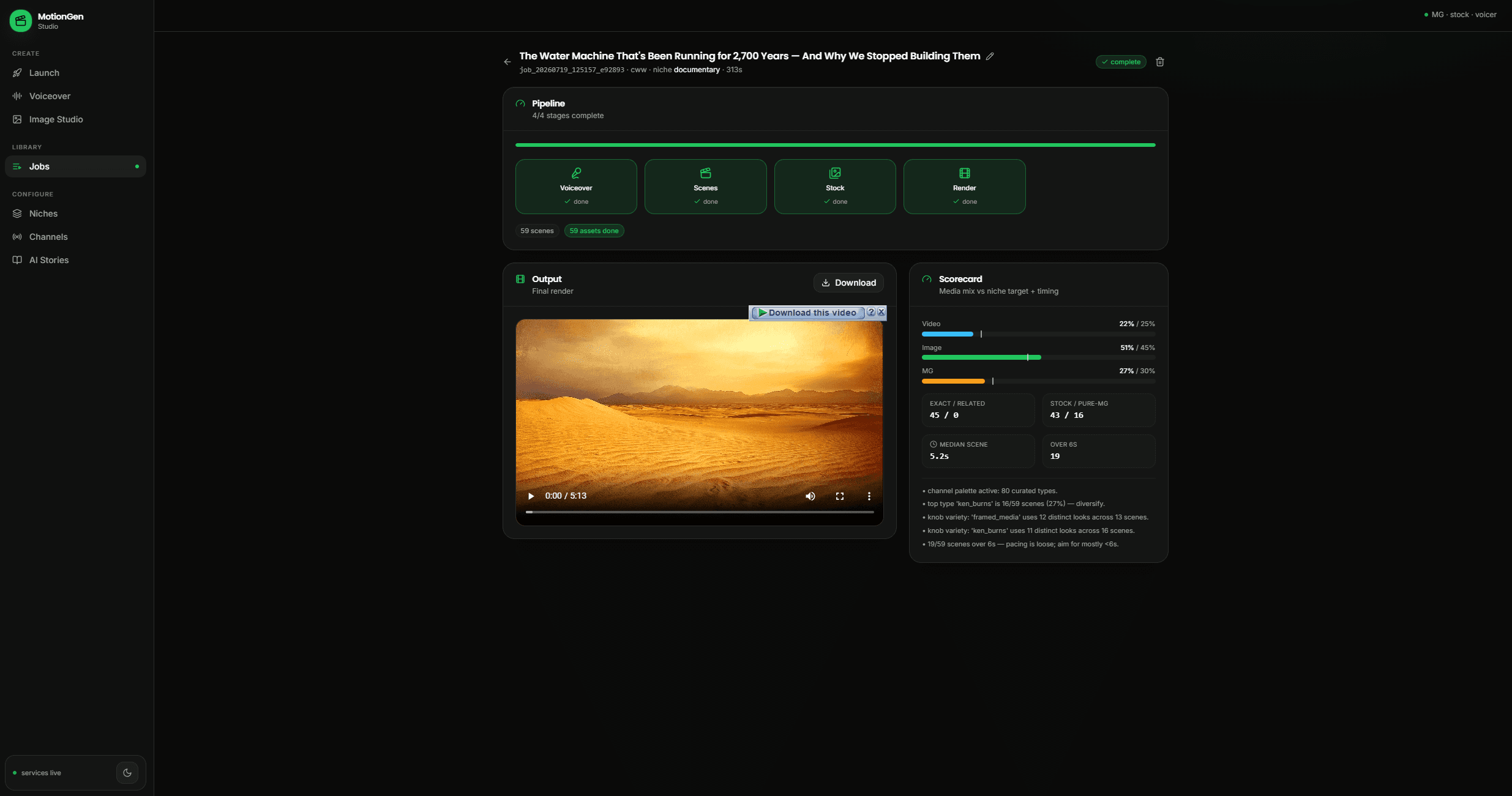
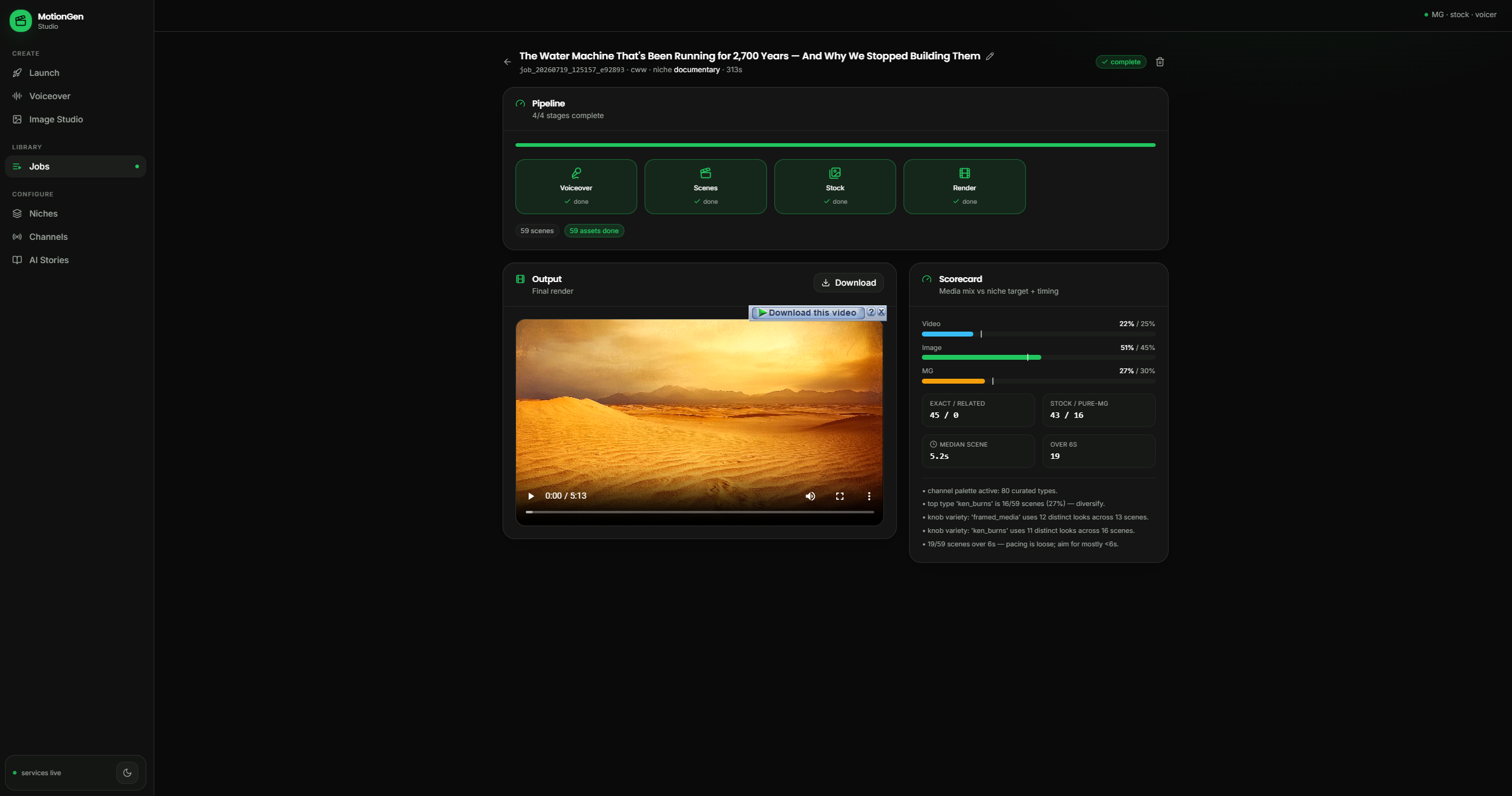
Job page: pipeline stages, final render and scorecard 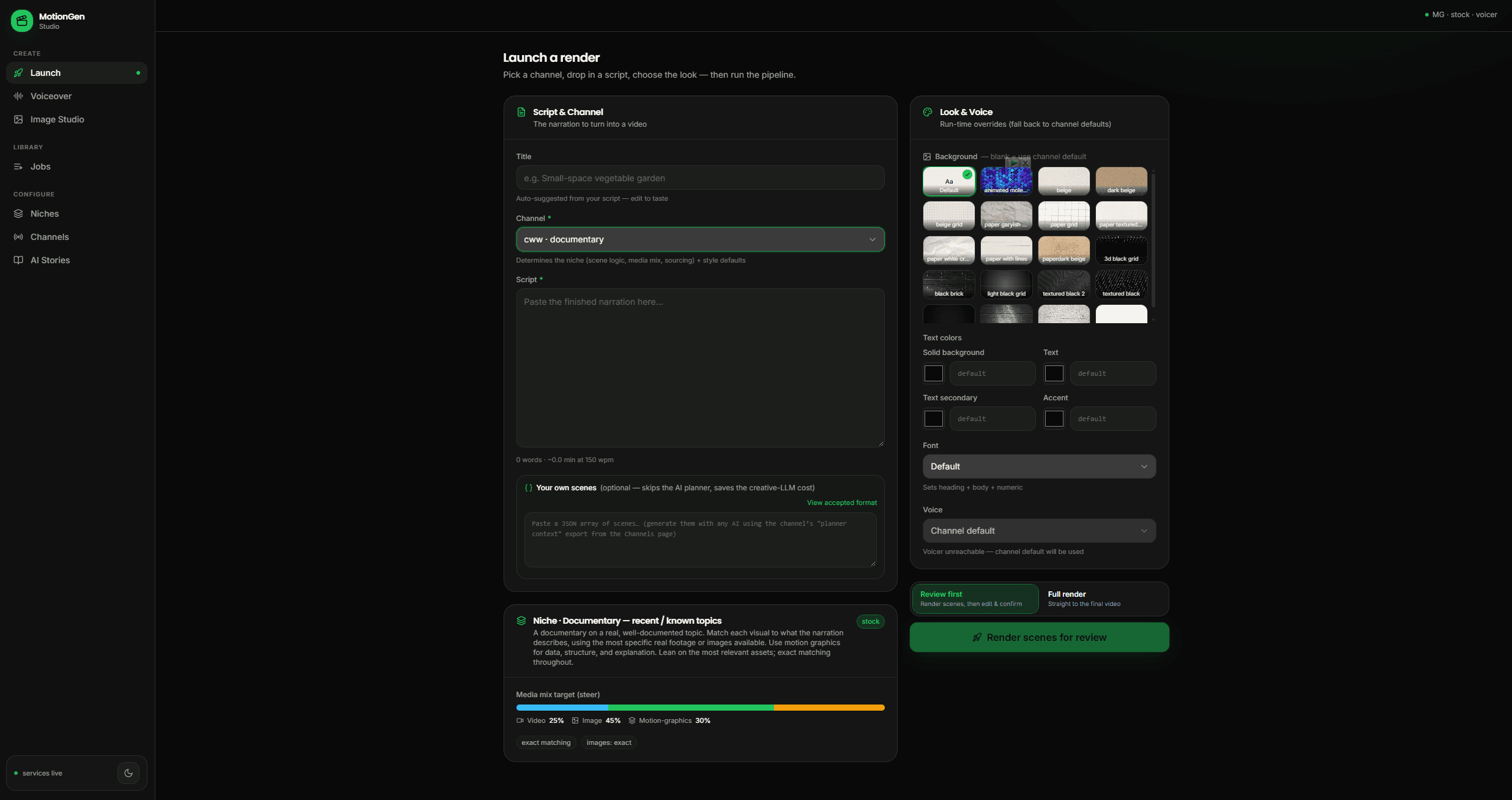
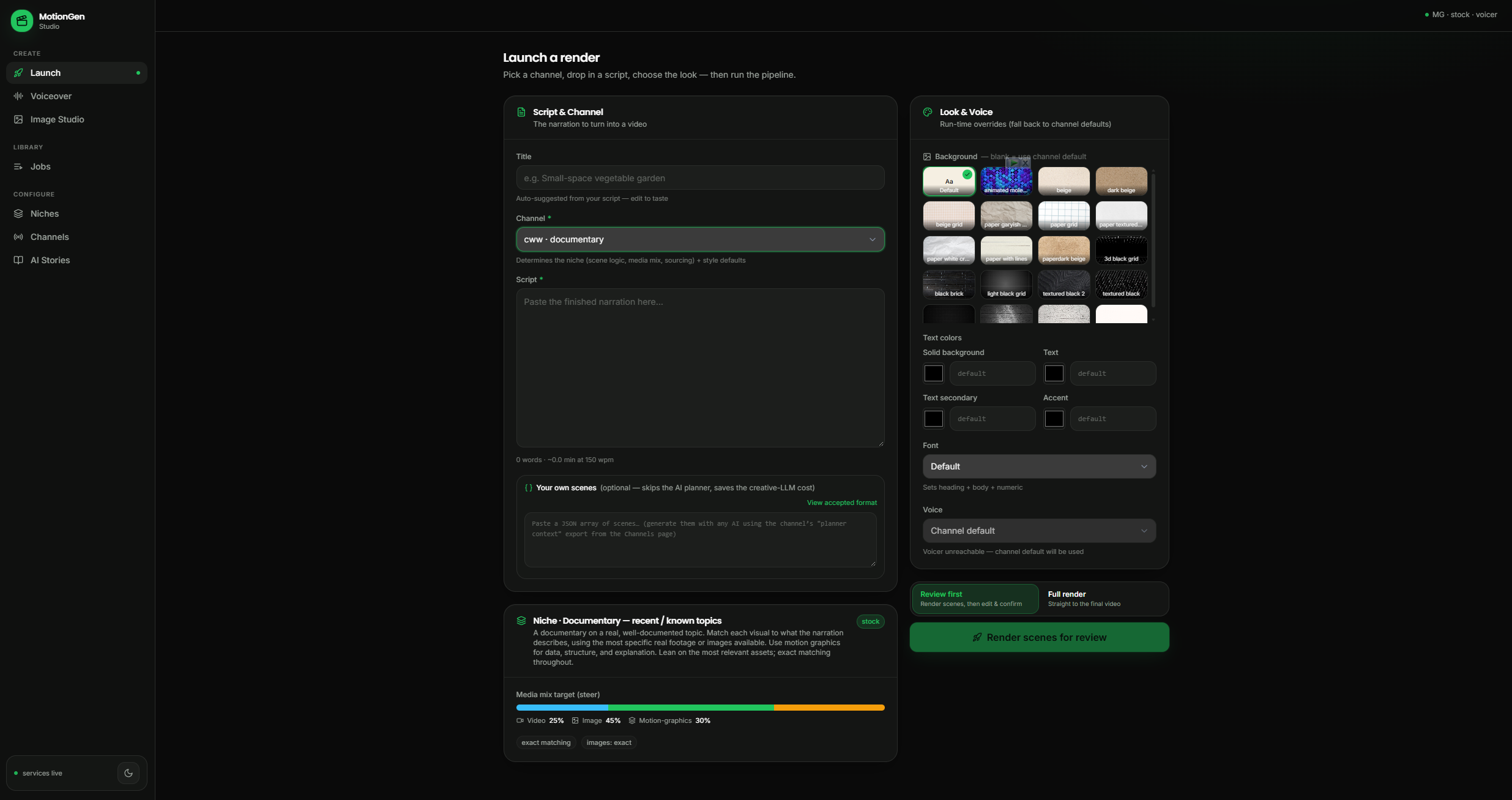
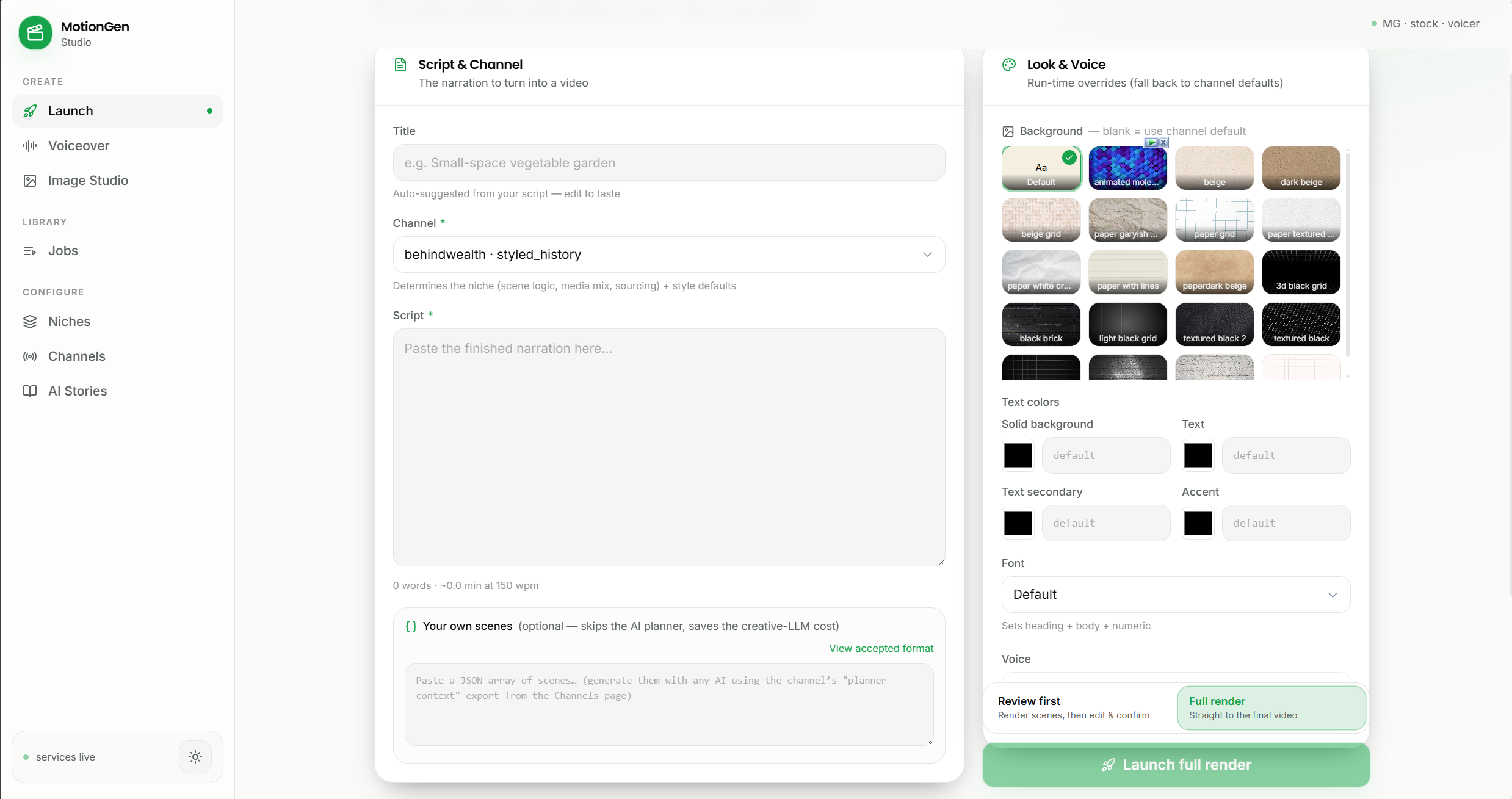
Launch screen 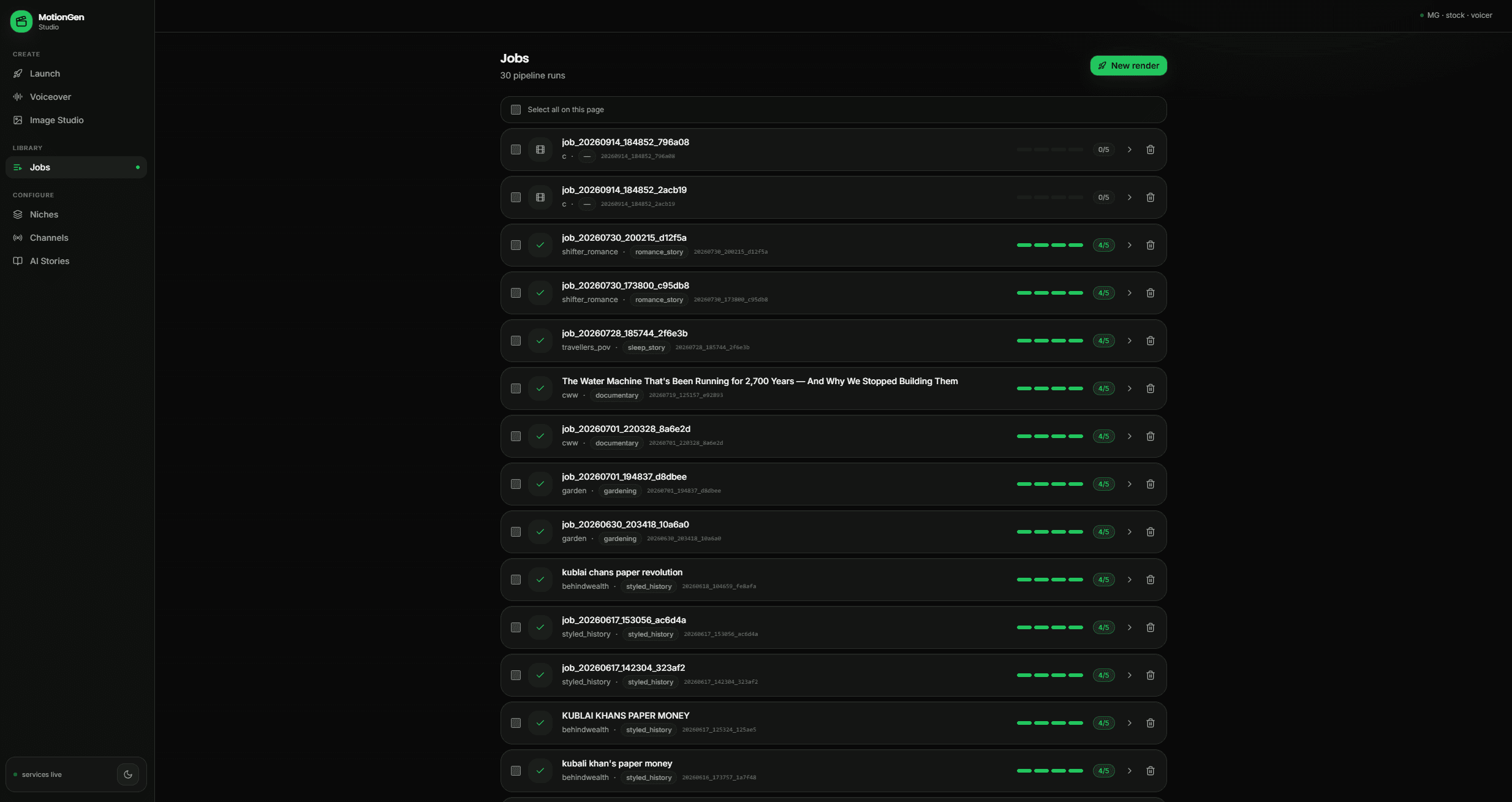
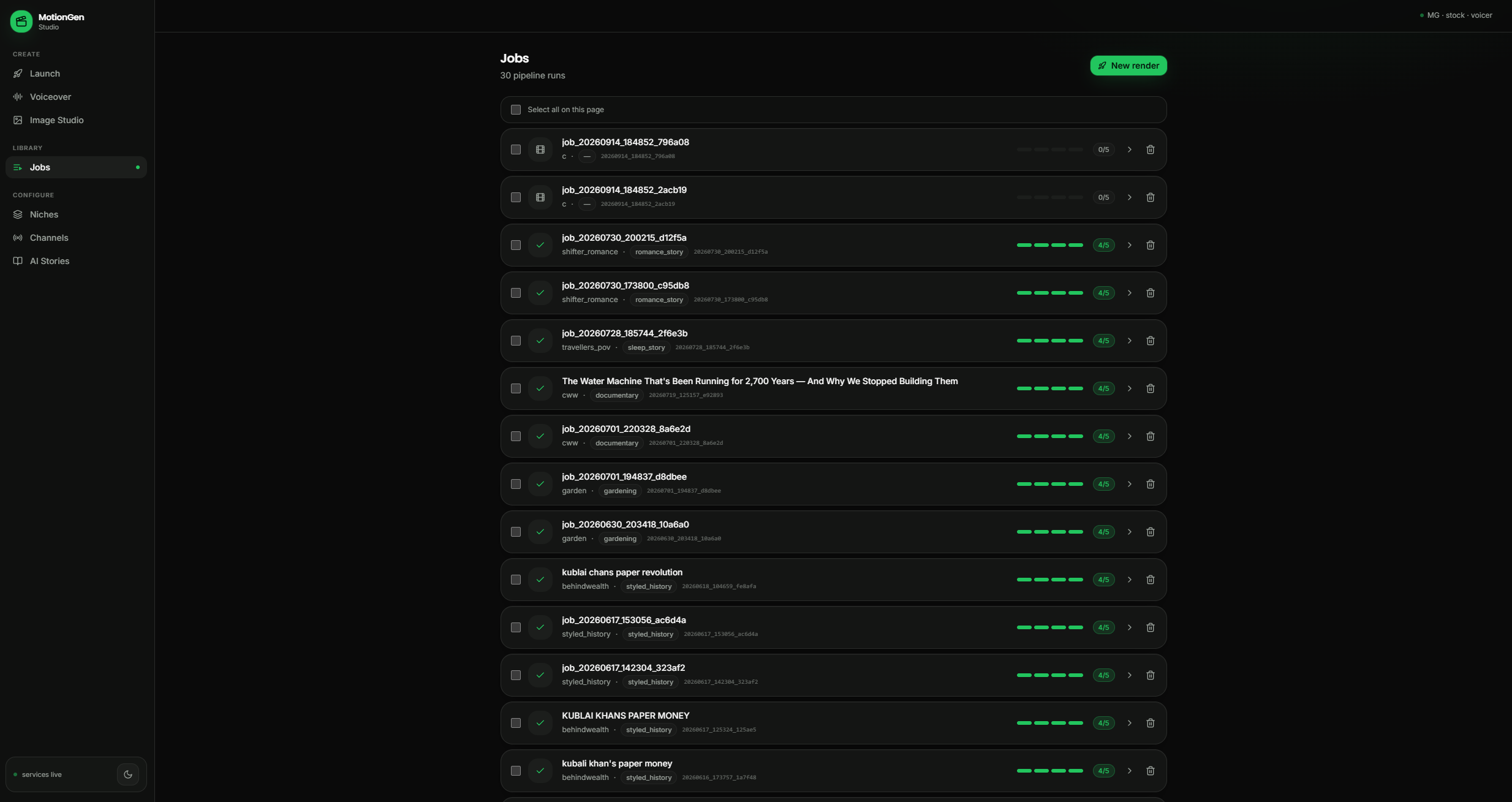
Jobs 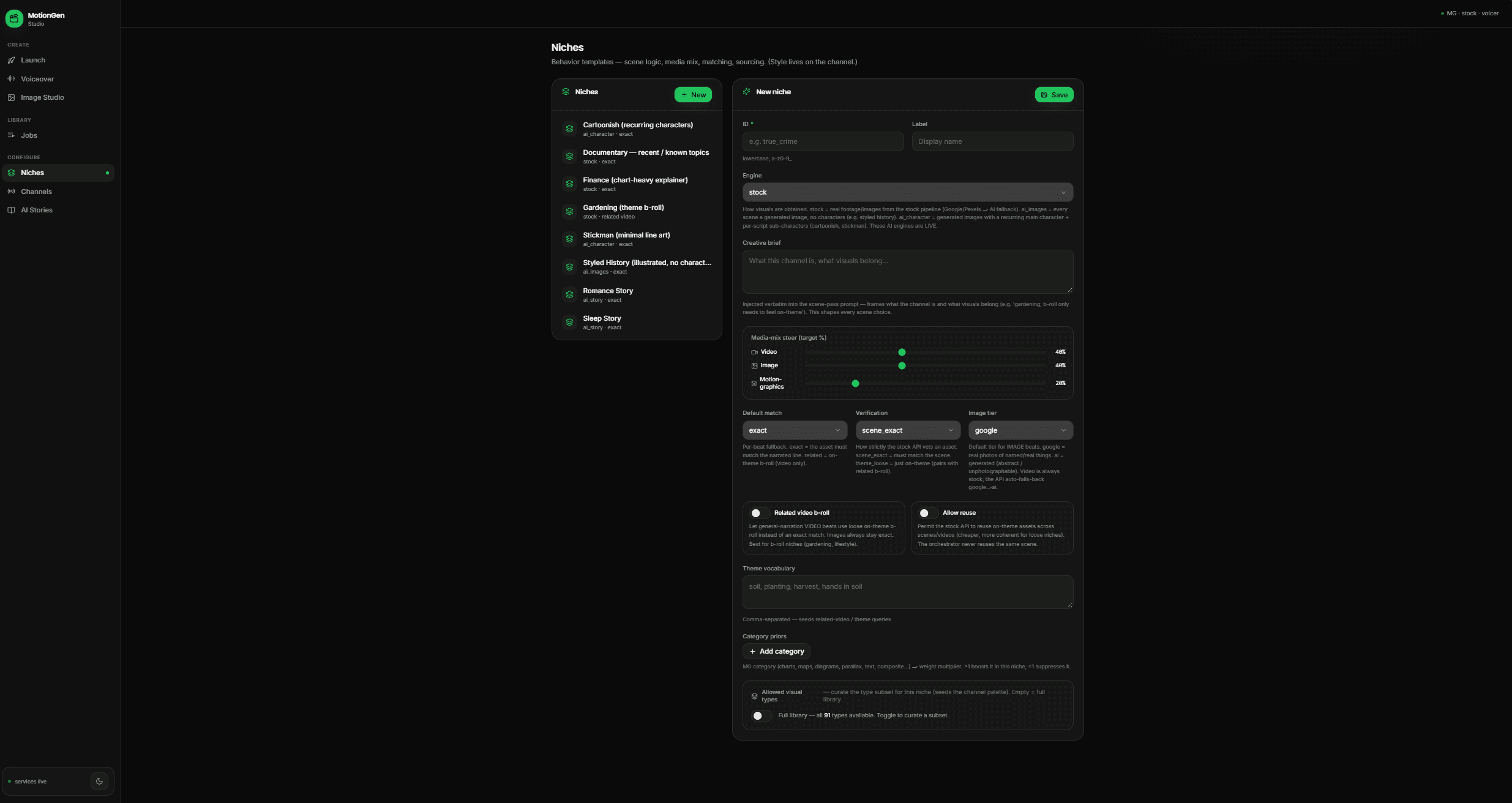
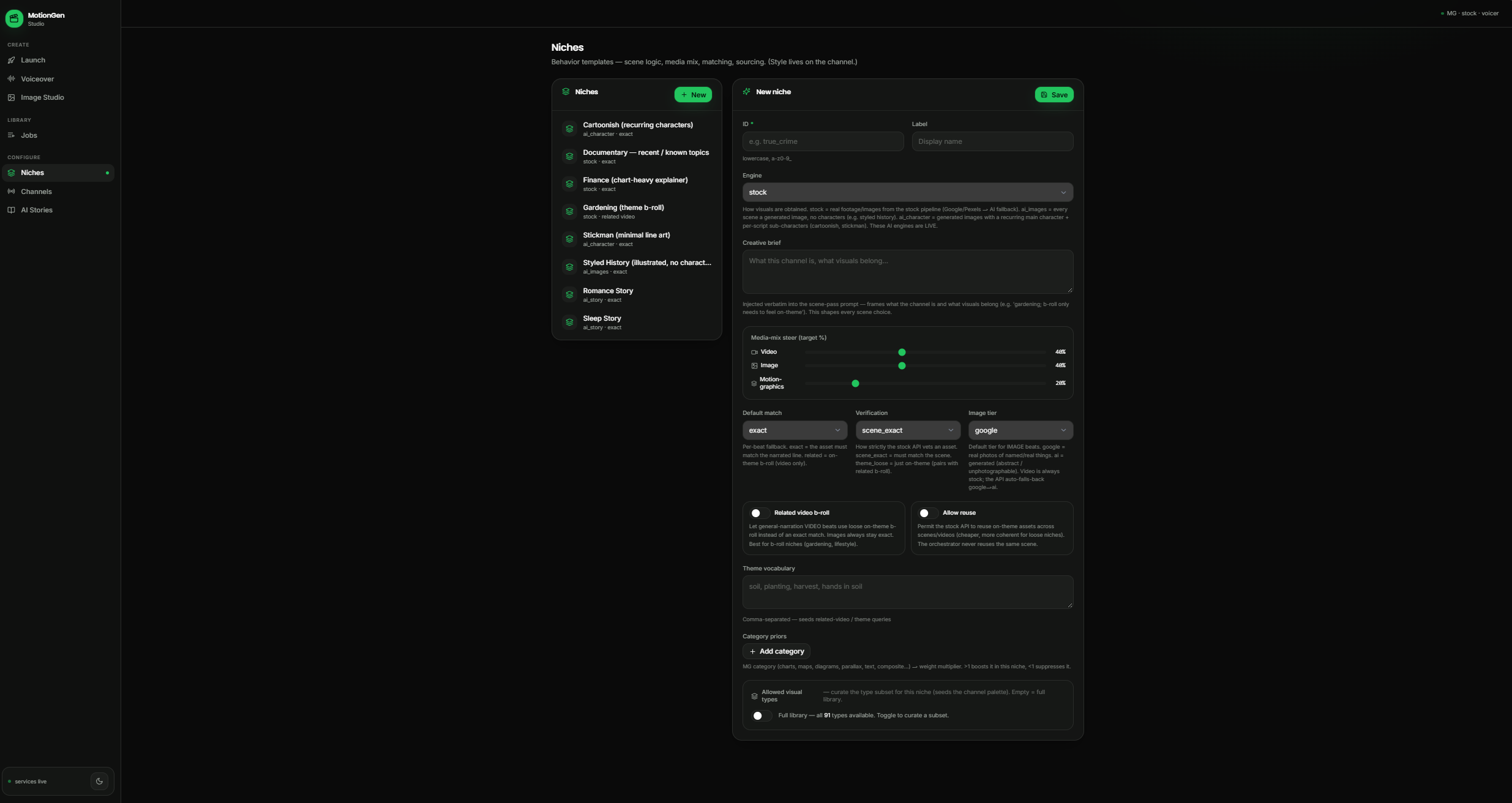
Niches 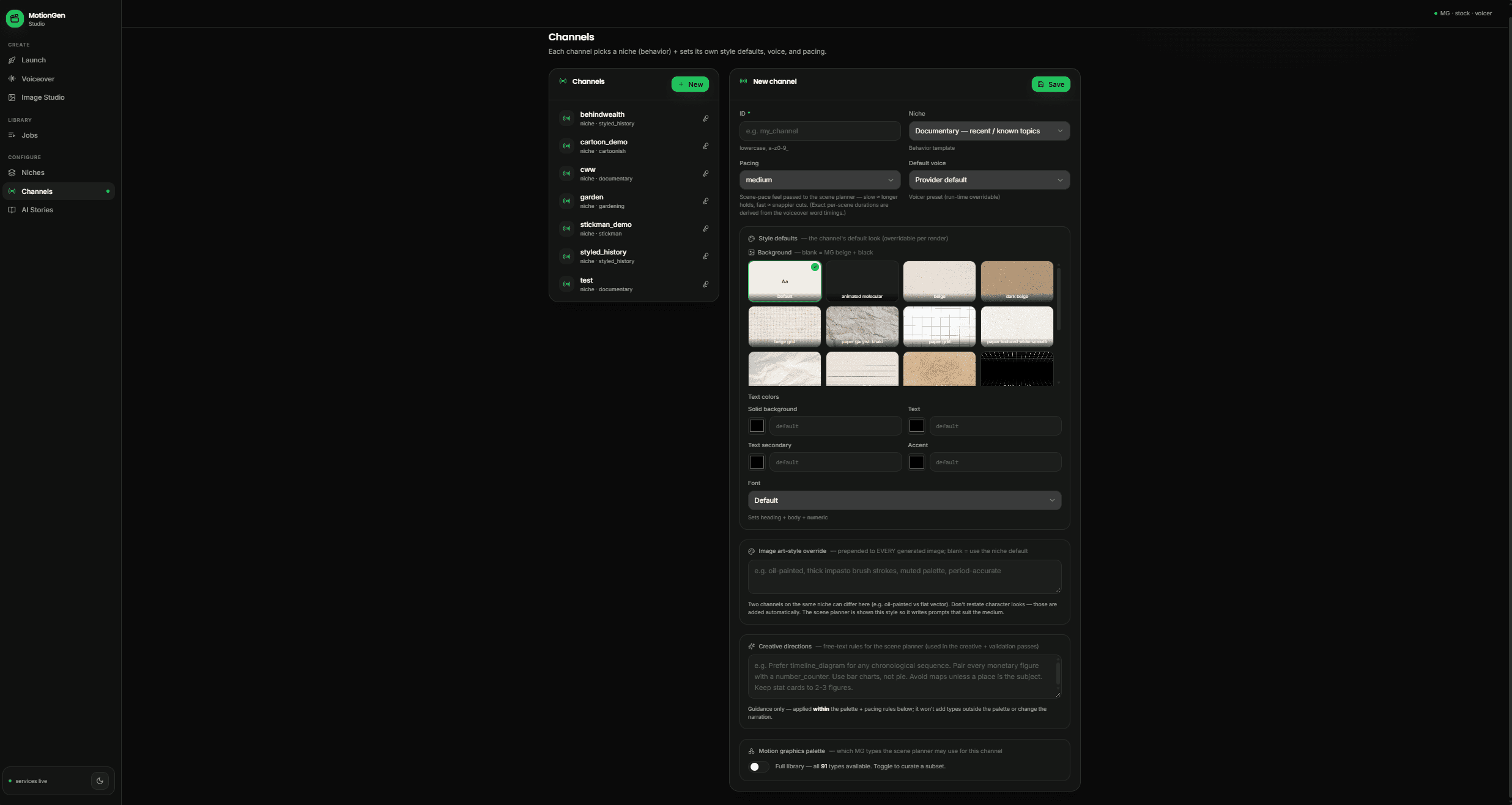
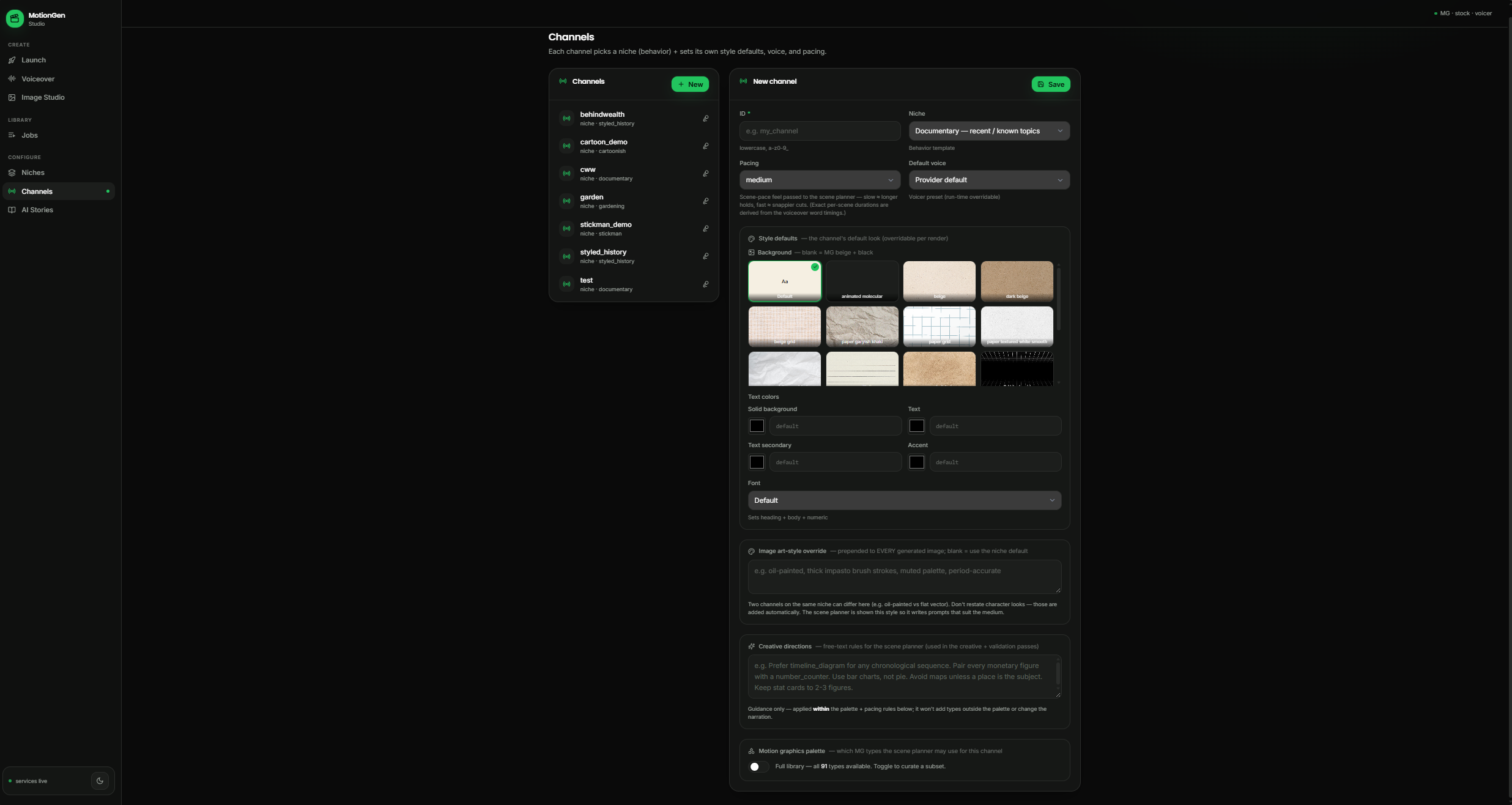
Channels 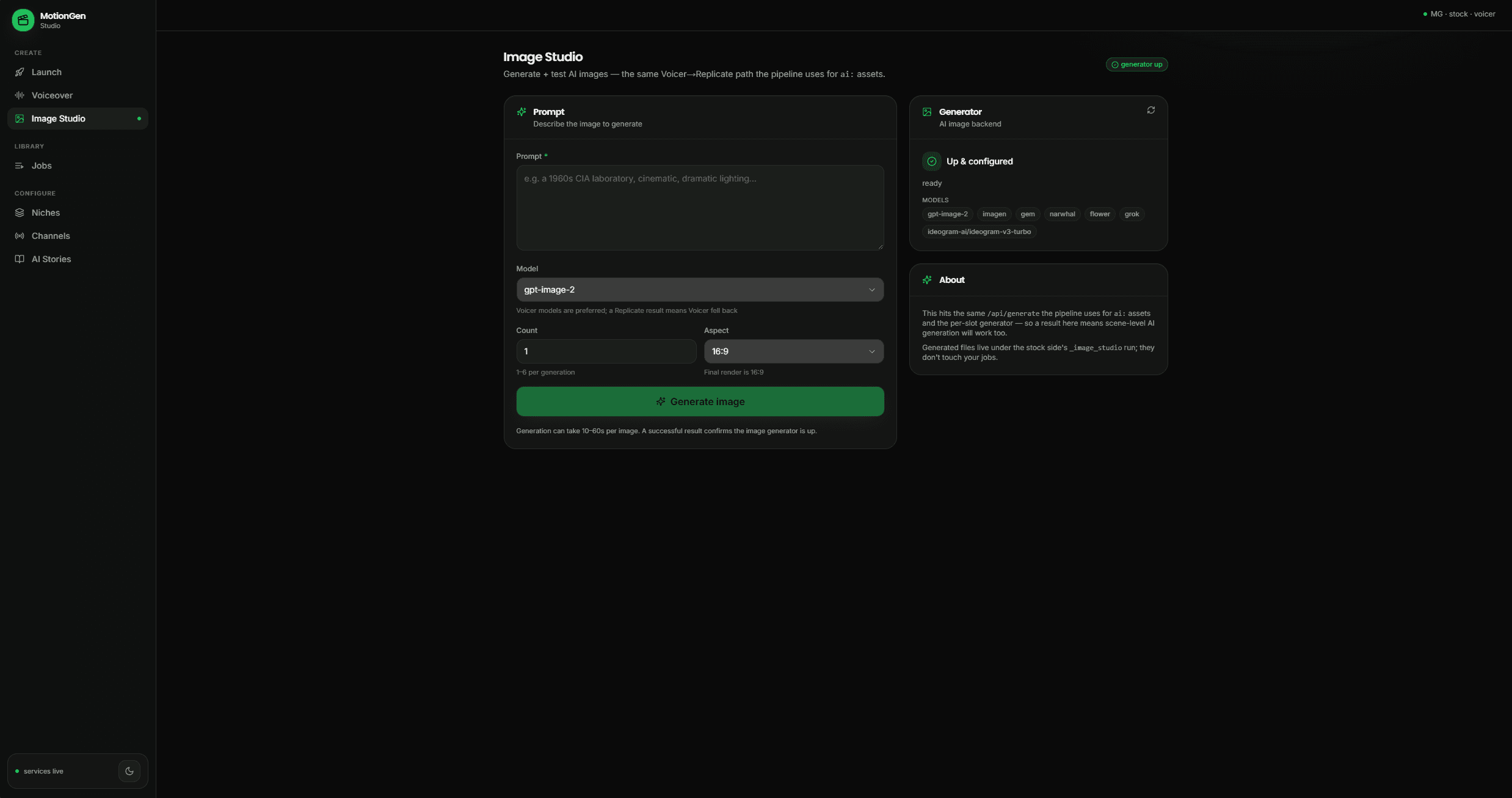
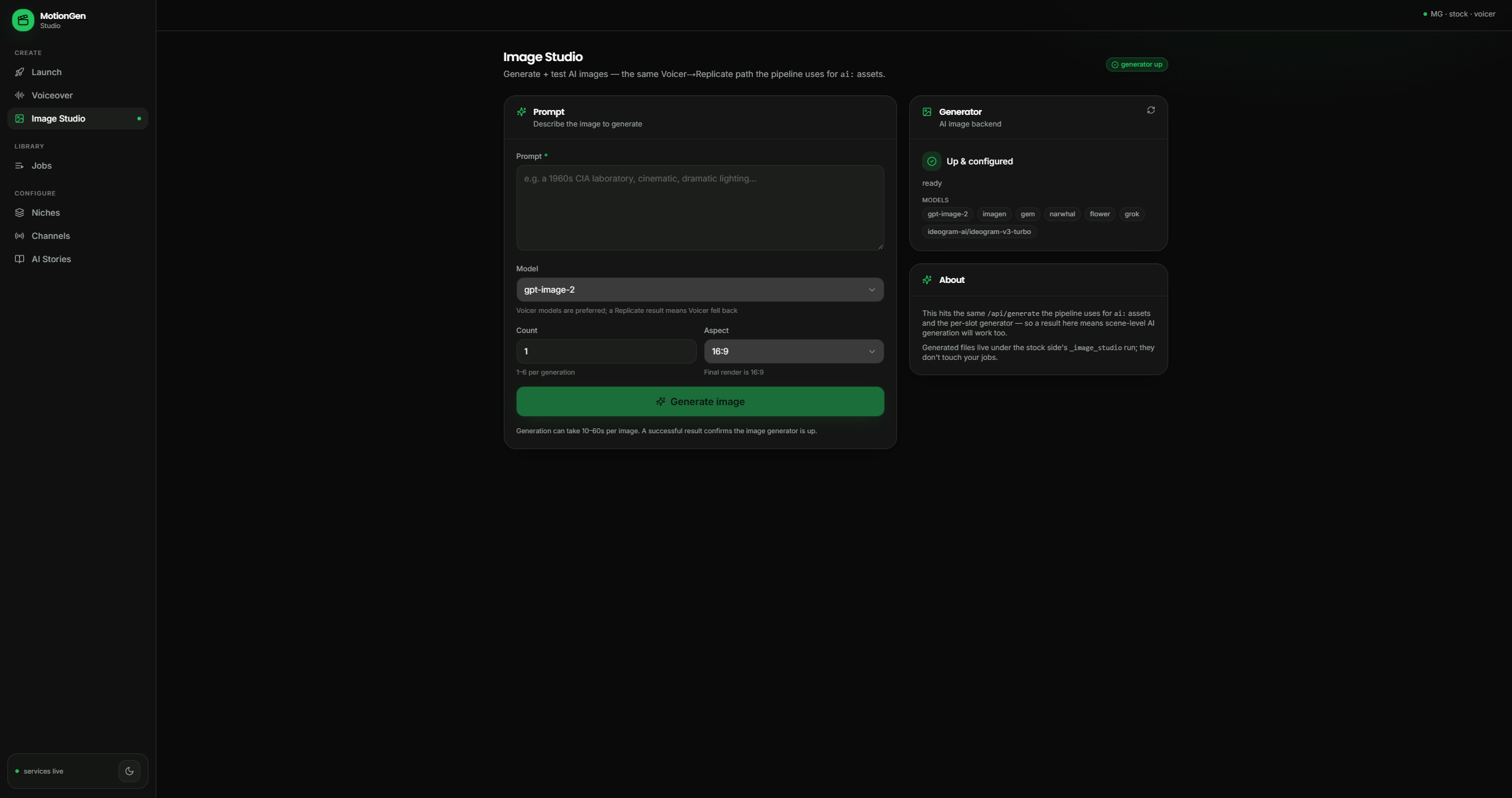
Image Studio 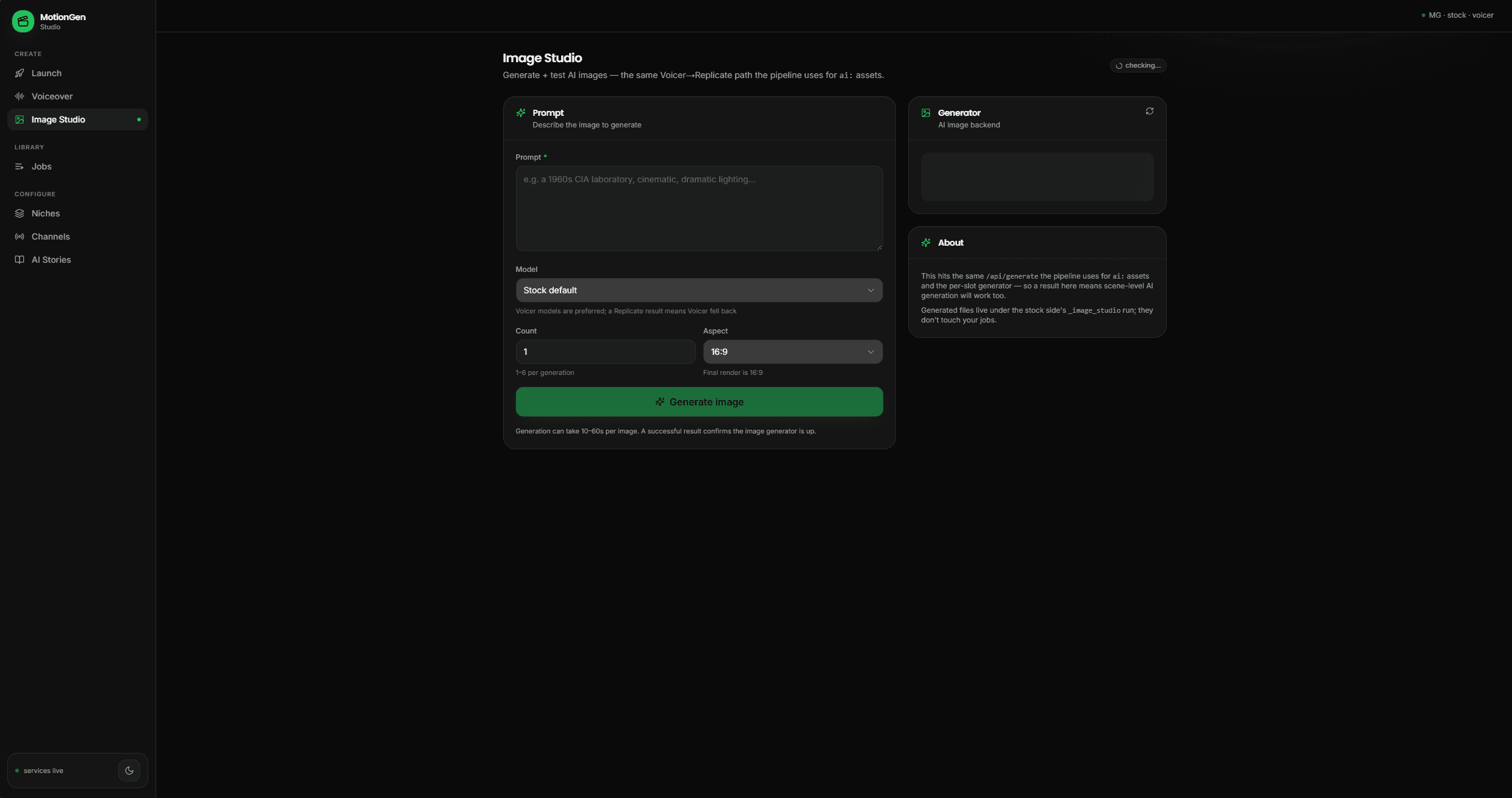
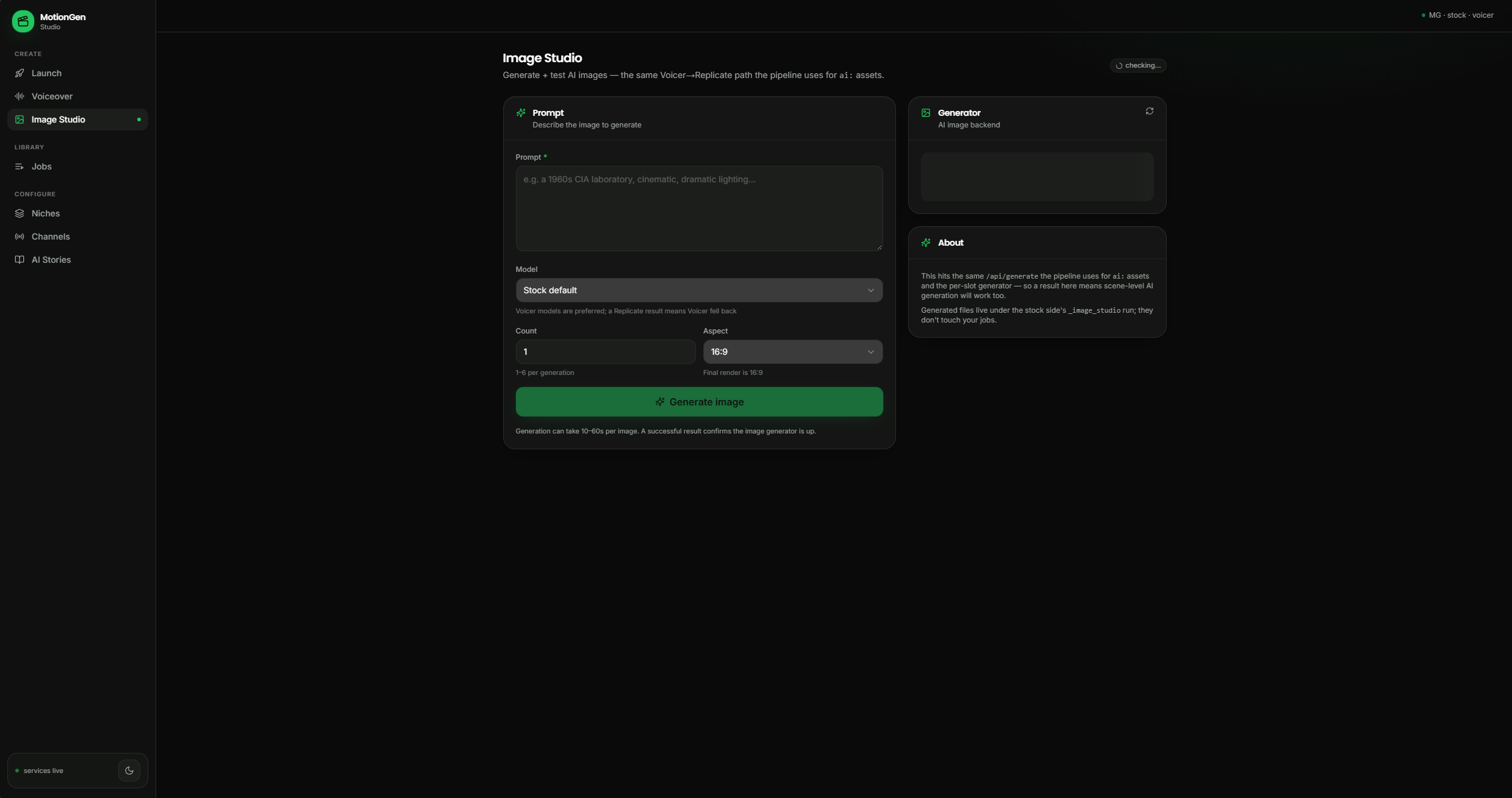
Image Studio, stock model 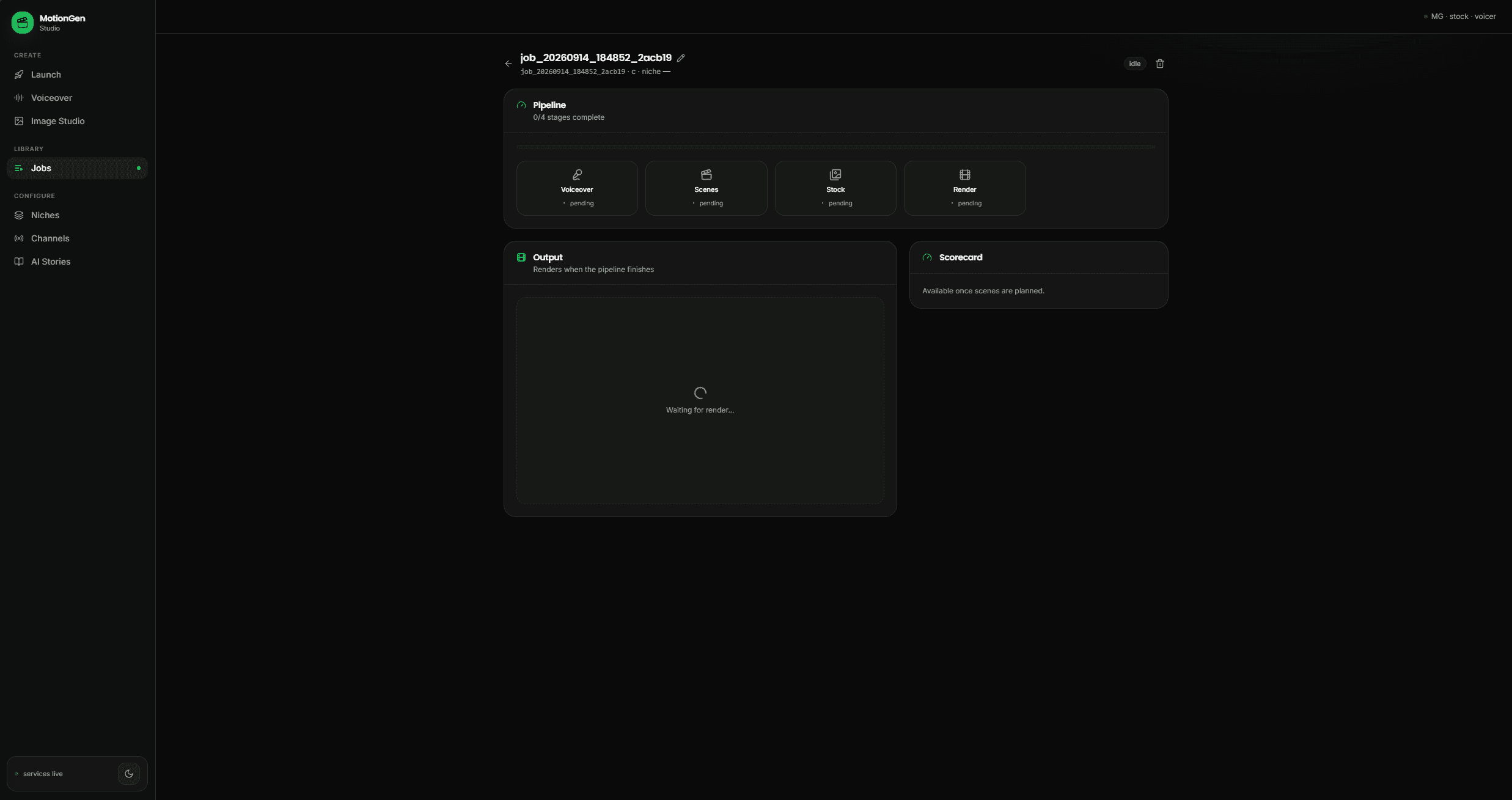
Job in progress 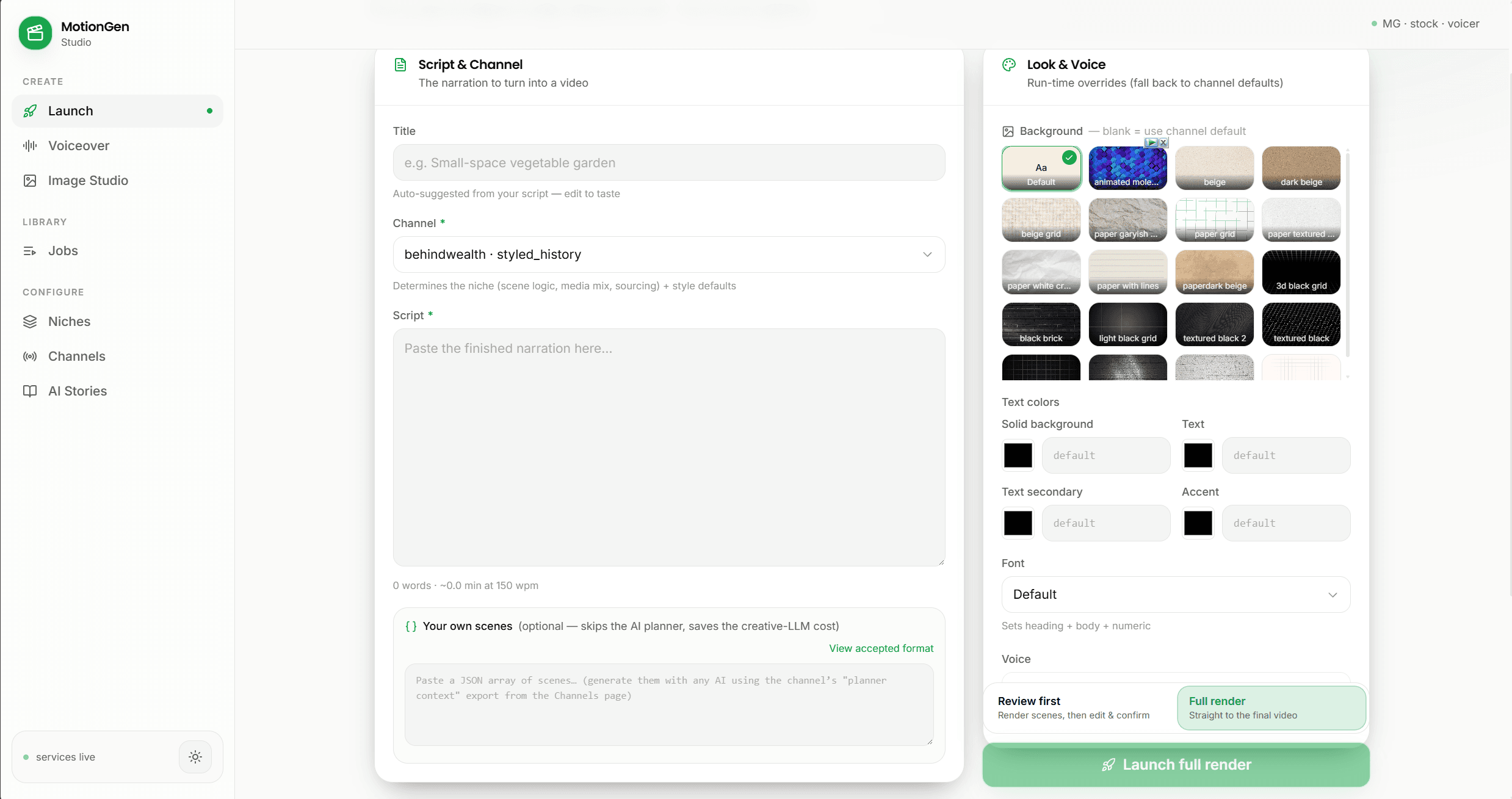
Launch screen, light theme
Built with
- Motion Graphics API
- Source IT
- Remotion
Where to look next
The repository is private. Ask for a walkthrough.